NetBoost Pro: WiFi Extender for Stronger Coverage at 70% Off
A compact plug-in repeater built to carry your existing 2.4 GHz WiFi signal into the room where it fades. We checked the published specifications, support instructions, current bundles, and buyer feedback so you can see exactly where it fits.
Buy at 70% Off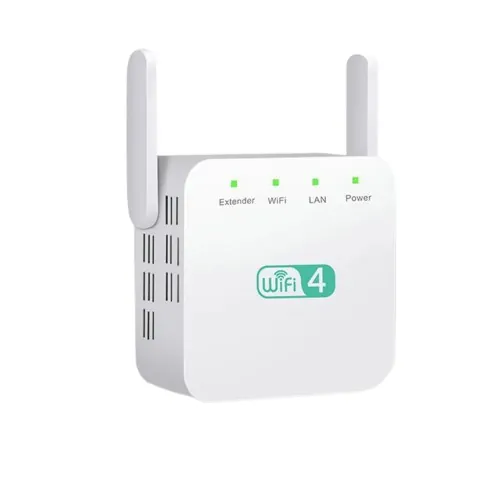
What it is
What is NetBoost Pro?
NetBoost Pro is a single-band WiFi range extender. It receives the wireless network already produced by your router, then rebroadcasts it from a second location.
That makes it practical for familiar weak spots: a home office, edge bedroom, garage workspace, or streaming device behind several walls. It is not a new internet service, a modem, or a replacement for the speed tier you buy from your provider.
A repeater can improve reach and reduce dropouts caused by a weak signal, but it cannot create bandwidth that your main connection does not have. NetBoost’s own checkout makes the same point: coverage can improve without increasing the underlying internet speed.
The signal path
How does NetBoost Pro work?
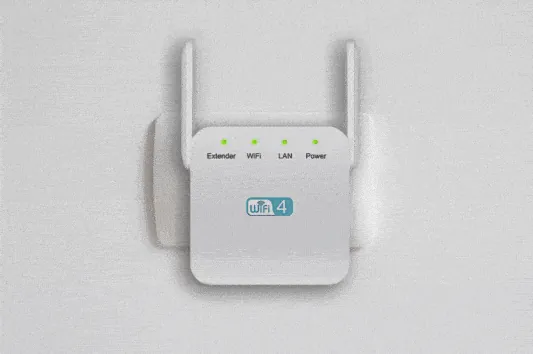
Think of the extender as a relay point. Your router remains the source; NetBoost Pro listens for that source and creates an extended network for devices farther away.
Placement does most of the work
The best outlet is not usually inside the dead zone. It is between the router and that zone, at a point where NetBoost Pro can still receive a solid source signal. If the input is weak, the repeated network starts weak too.
The seller states a range extension of up to 50 feet, while also noting that wall thickness, building materials, floors, and other obstacles affect the result. The 2.4 GHz band generally favors reach and compatibility, making it useful for everyday browsing, smart devices, and coverage at moderate distances.
Once configured, supported devices join the extended network whose name ends in _EXT. Moving between the original and extended networks may require selecting the stronger network on your phone, computer, television, or other connected device.
Published hardware
Real NetBoost Pro specifications announced
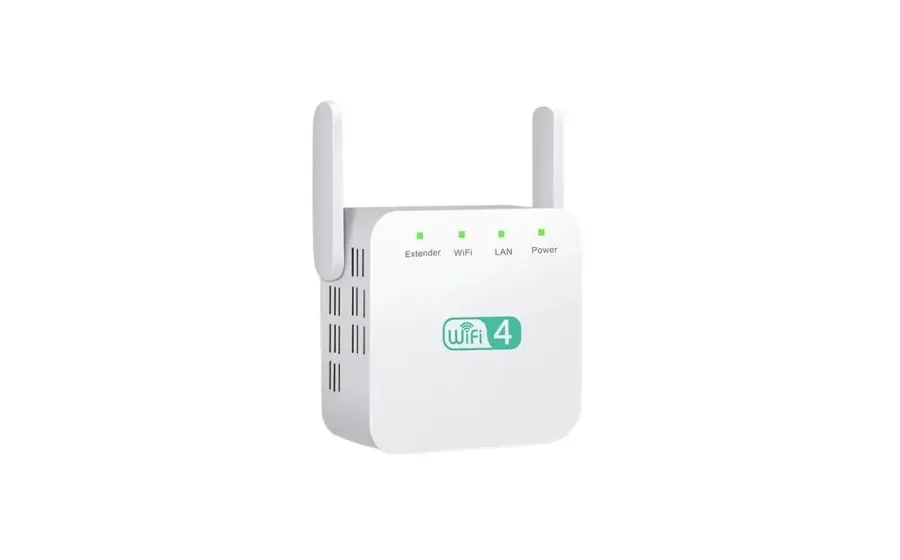
These are the concrete specifications shown by the current seller and support pages. They describe a basic, compact 2.4 GHz repeater rather than a dual-band mesh node.
What those numbers mean at home
“Up to 300 Mbps” is the published wireless ceiling, not a promise that every connected device will measure 300 Mbps. The router, internet plan, distance, walls, channel congestion, and repeater placement all affect practical throughput.
For the right job, the simpler hardware can be an advantage. The 2.4 GHz band is widely supported, and the plug-in format avoids running a cable through the house. NetBoost Pro is best approached as a targeted coverage tool for routine connections rather than a full replacement for a modern mesh system.
The two antennas can be positioned upright while you test outlets. Give the device open air around it instead of hiding it behind a cabinet, refrigerator, or television. A central hallway outlet often provides a cleaner path than an outlet tucked into a corner.
Buy at 70% OffStraight Commerce support
NetBoost Pro setup in four stages
The official support flow is browser based. Complete the first connection near your router before testing a farther outlet.
Power it near the router
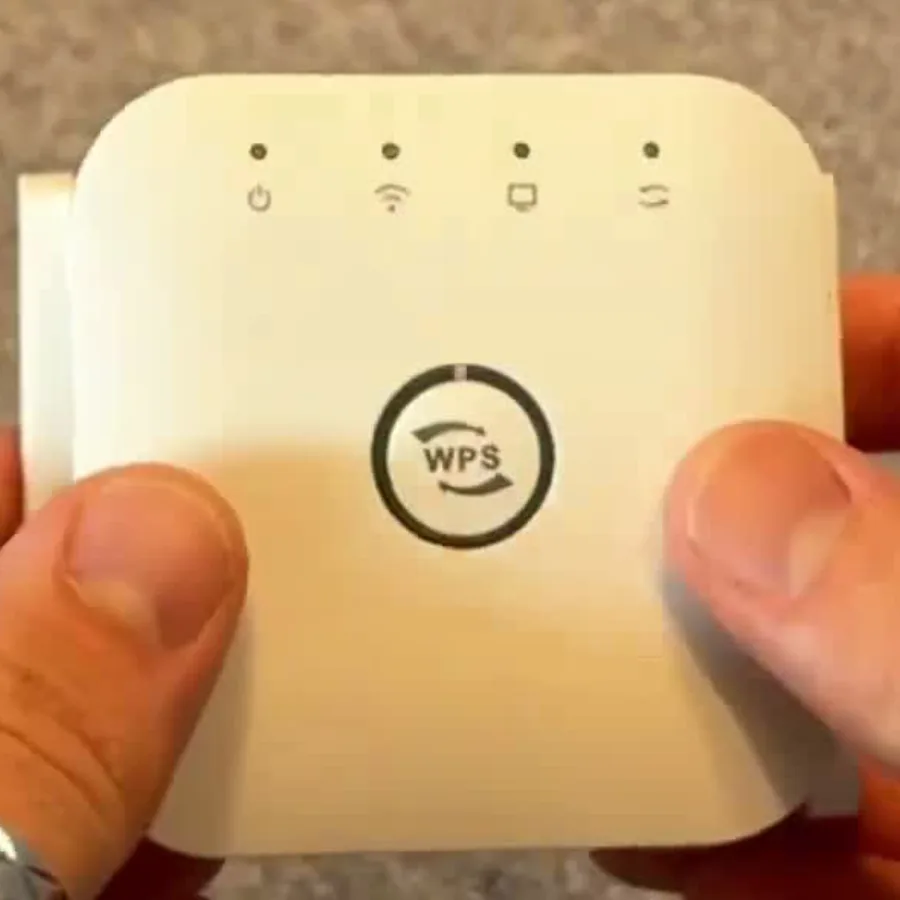
Plug NetBoost Pro into an electrical outlet within range of the original WiFi network. Allow 30 seconds to two minutes for startup.
Join Pix-Link
Open WiFi settings on a phone or computer and connect to the network named Pix-Link.
Choose Repeater mode
If setup does not open, visit 192.168.7.1, select Log In without a password, then choose Repeater mode and your home network.
Connect to _EXT
Enter your home WiFi password. After configuration, return to WiFi settings and join the new network ending in _EXT.
Then optimize the outlet
Move the extender toward the weak area one outlet at a time. Stop where the original router signal is still dependable. Test the extended network from the room you want to cover, and compare more than one location if walls or appliances sit in the path.
If the extended network does not appear, return the unit close to the router and repeat the documented setup. The dedicated setup FAQ keeps the key network name and local setup address in one place.
Best fit
Who is NetBoost Pro for?
This extender makes the most sense when your internet connection is fine near the router and the problem is a specific coverage gap.
Home office and everyday rooms
A useful option for browsing, email, connected home devices, and video calls in a room where the router signal arrives weakly but is still detectable nearby.
Simple 2.4 GHz networks
Suitable for shoppers who value broad device compatibility and do not need a listed 5 GHz band or a managed mesh platform.
Flexible placement
The plug-in body can be tested in different outlets without permanent wiring, making it easy to tune the relay point.
Large multi-story homes or several dead zones may need multiple access points or a mesh system. For one weak area, NetBoost Pro is a compact starting point.
Editorial assessment
8.1out of 10 · desk evaluationOur test
Our editorial test of NetBoost Pro
We evaluated NetBoost Pro from the published hardware data, the live U.S. checkout, the seller’s operating notes, and Straight Commerce’s dedicated setup instructions. We did not run a physical throughput benchmark, so our score focuses on product fit, setup clarity, stated capabilities, and purchase terms.
The product is easy to understand: it targets a weak 2.4 GHz area with a compact repeater and a browser-guided setup. The support article provides the exact Pix-Link network, local address, Repeater mode, and resulting _EXT network, which is more useful than a vague “plug and play” promise.
Strong points
Compact plug-in format, clearly stated 2.4 GHz/300 Mbps profile, documented setup flow, and quantity discounts for multi-room plans.
Things to plan for
Single-band operation, placement-dependent results, and checkout shipping costs that vary by location and method.
Read the full scoring method and review source →
Buy at 70% OffCurrent U.S. checkout
NetBoost Pro price and deals
The campaign advertises savings of up to 70%. At the checkout we reviewed, unit prices dropped as the package size increased.
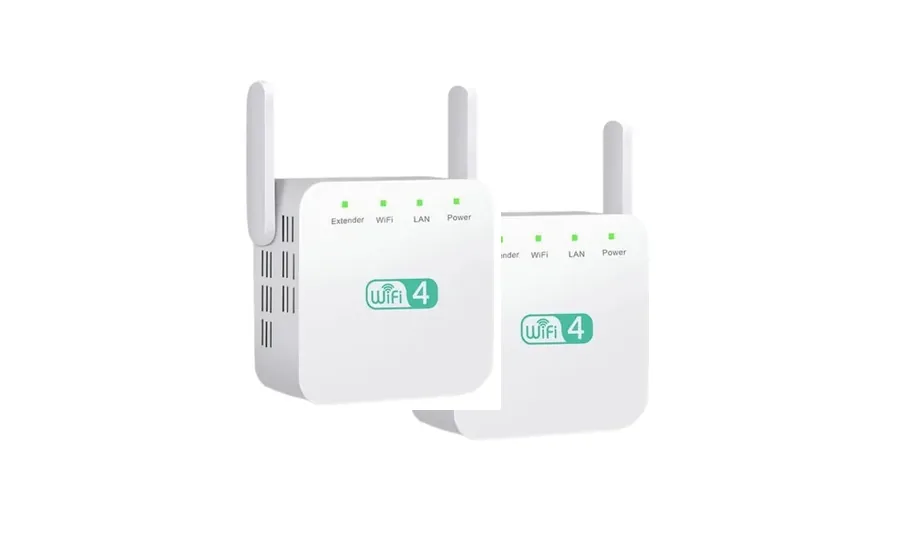
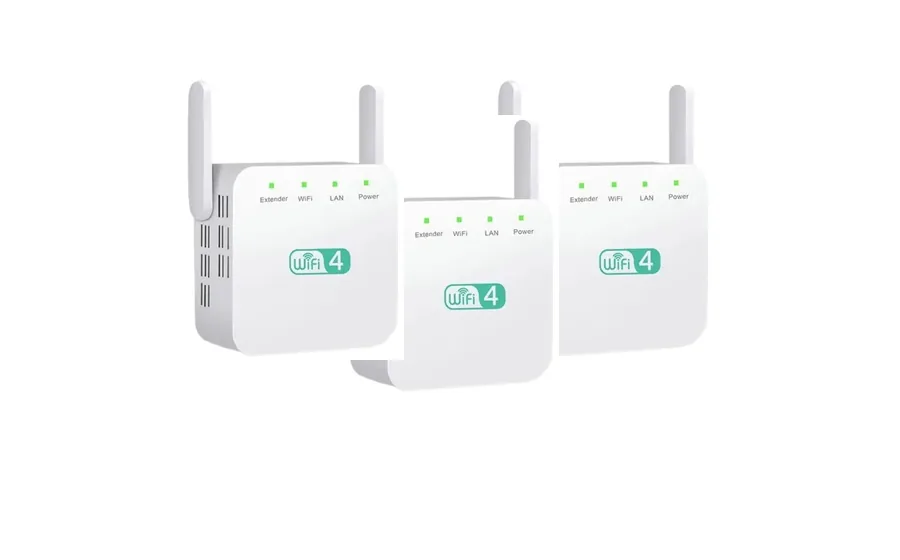
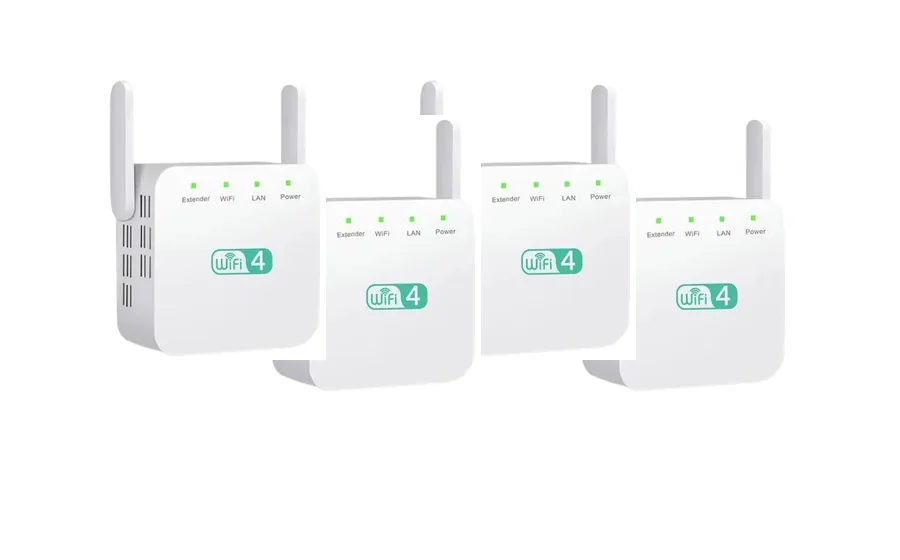
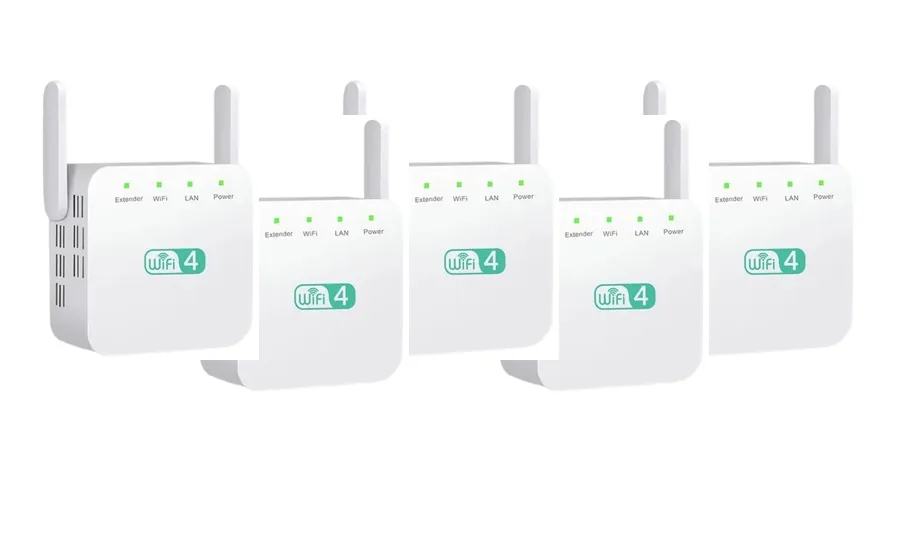
Prices were recorded from the U.S. seller checkout on October 10, 2026. Shipping is calculated at checkout. The seller advertises a 30-day return period and offers an optional one-year protection plan for $9.99. Confirm final totals and current terms before payment.
Authorized online path
Where to buy NetBoost Pro
The official seller says NetBoost Pro is available online. The purchase buttons on this page use the approved U.S. offer path and lead to the seller’s checkout, where you choose a package and see shipping before completing an order.
Use the current product name and 2.4 GHz, up-to-300 Mbps specifications as your reference when reviewing the checkout. The dedicated price page records the bundle values we observed.
For setup after delivery, keep the Straight Commerce sequence handy: Pix-Link, 192.168.7.1, Repeater mode, then the _EXT network.
Buy at 70% OffClear answers
NetBoost Pro FAQ
Eight quick answers based on the seller’s product page, current checkout, and dedicated support article.
What does NetBoost Pro actually do?
It connects to an existing WiFi network and rebroadcasts that signal, helping the network reach a nearby room or work area where reception is weaker.
Does it make my internet plan faster?
No. The official checkout says NetBoost Pro improves coverage but does not increase the speed delivered by your internet service provider.
Which WiFi band does it use?
The published specification is 2.4 GHz, with a listed data rate of up to 300 Mbps.
How far can it extend coverage?
The seller states up to 50 feet. Walls, floors, appliances, interference, and the signal reaching the extender all influence the useful distance.
How do I set it up?
Straight Commerce support directs users to plug it in near the router, join the Pix-Link network, open 192.168.7.1 if needed, select Repeater mode, choose the home network, and connect to the resulting _EXT network.
Where should I plug it in?
Start near the router for setup, then move it between the router and the weak-signal area. It still needs a dependable signal to repeat.
Is there a return period?
The seller advertises a 30-day return or money-back period. Read the current return terms at checkout before ordering.
Where is NetBoost Pro sold?
The seller says it is available online. Buttons on this site lead to the authorized offer flow; package pricing and shipping are confirmed at checkout.
- NetBoost U.S. product presentation — specifications, function, range statement, and 30-day terms.
- NetBoost U.S. checkout — package pricing, discounts, shipping note, and current offer.
- Straight Commerce NetBoost Pro setup support — Pix-Link, 192.168.7.1, Repeater mode, and _EXT instructions.
- Amazon public listing — third-party review snapshot for the similarly named 300 Mbps Aimery listing.